Desktop app · Independent product

ApiFreeMaN
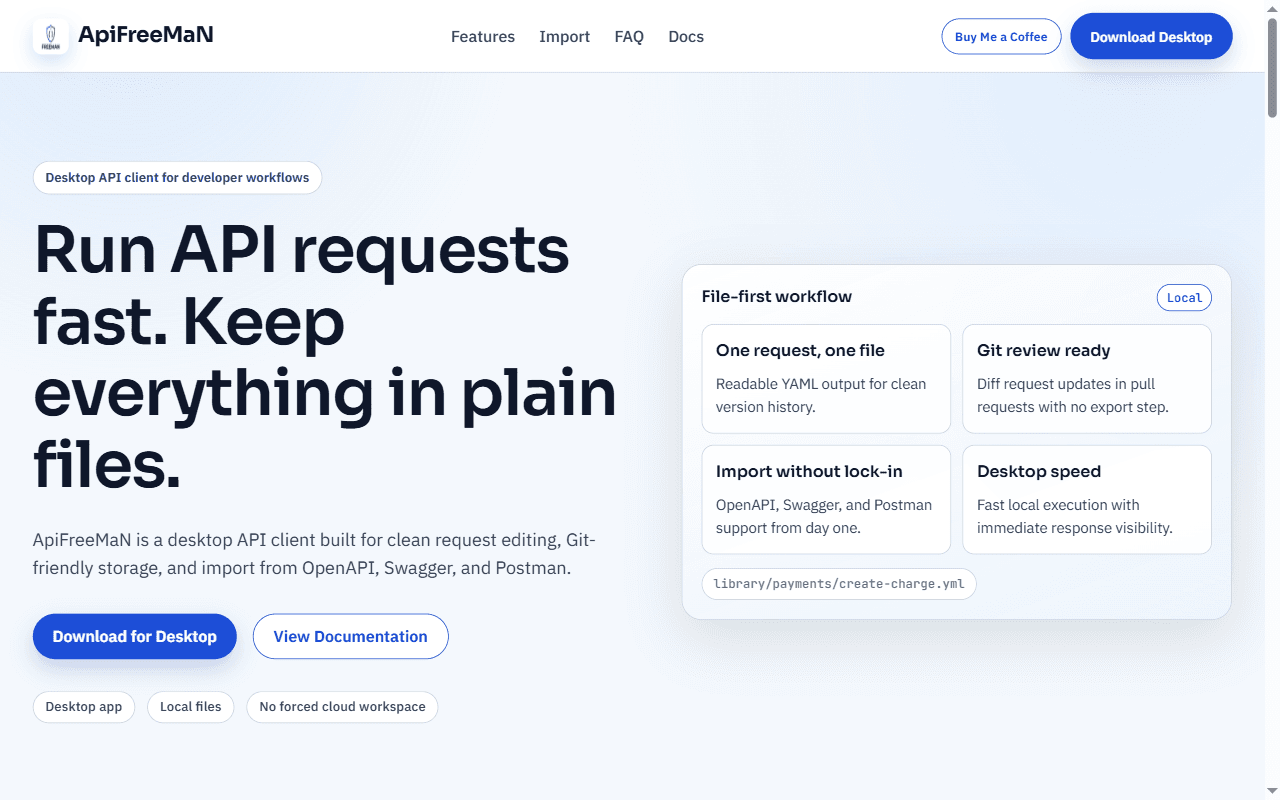
A desktop API client that keeps every request in plain, Git-friendly files and imports existing OpenAPI, Swagger and Postman collections.
Overview
ApiFreeMaN is a desktop client for building, sending and organising API requests. Instead of storing work in a cloud workspace, it can save each request as a readable YAML file, so request definitions live next to the code and go through normal version control and review.
Platforms: Windows · macOS and Linux listed as coming soon
Problem
Many API tools keep requests in a synced cloud workspace or in exports that are awkward to diff. That makes it harder to review changes to API calls in a pull request or keep them alongside the code they exercise.
Who it's for
Developers and QA engineers who want API requests versioned and reviewed like the rest of the codebase.
Key features
- Request builder for method, URL, query parameters, headers and body (JSON, plain text, XML or form-encoded text)
- Response viewer for status, headers and body
- One request per readable YAML file, organised in ordinary folders you can create, rename and delete
- Folder variables, written as {{name}}, that are filled into request URLs
- Import from OpenAPI 3, Swagger 2 and Postman collections, from a file or a URL
- Import preview that marks each item as new, matching or conflicting, then lets you create, replace or skip
- Local files by default, with no required cloud workspace
My role
Owner and builder of the product.
Technology
Electron, React, TypeScript, Vite, Tailwind CSS, YAML
Challenges & trade-offs
- A file format designed to be read and diffed by people: one YAML file per request with a schema version, and larger bodies stored beside it as plain JSON, XML or text files.
- Re-importing a spec without duplicating work: each imported request remembers where it came from (the OpenAPI operation, or the Postman item), so a second import can recognise it and offer to replace or skip it.
- Keeping the library safe: every file path is checked to stay inside the chosen library folder.