Web app · Independent product

Sketch & Share
A free, no-sign-up drawing canvas in the browser: sketch something, then copy it or save it in a click.
Overview
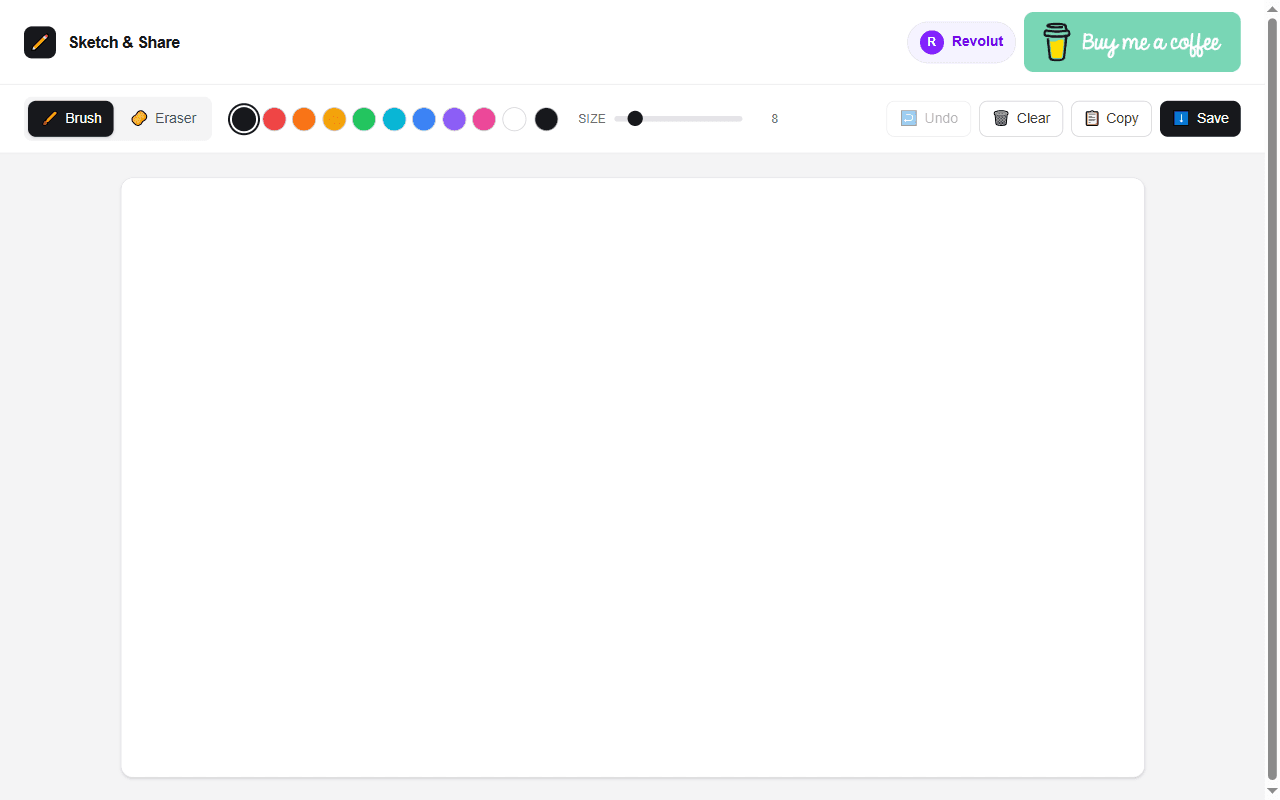
Sketch & Share opens straight onto a blank canvas. It has the tools needed for a quick sketch and gets the result out of the browser immediately, by copying it or saving it.
Platforms: Web
Problem
Sometimes you just need to draw something quickly to explain an idea, without installing software or creating an account.
Key features
- Brush and eraser tools
- Ten preset colours plus a custom colour picker, and a brush size from 1 to 60
- Undo of up to 40 steps, including undoing a clear
- Save the drawing as a PNG on a white background
- Copy the drawing to the clipboard in one click
- Works with mouse, touch and pen
- Installable as a web app
- Free, with no account required
My role
Owner and builder of the product.
Technology
Next.js, React, TypeScript, Tailwind CSS, HTML canvas, Cloudflare Workers
Challenges & trade-offs
- Drawing that feels the same on any screen: pointer positions are scaled onto a fixed-size canvas, and pointer capture keeps strokes continuous with touch and pen as well as a mouse.
- A simple undo: the canvas is snapshotted before each stroke and the history is capped at 40 steps, trading some memory for an undo that is easy to reason about.
- Built on the plain browser canvas API with no drawing library, keeping the app small.